
Workplace Conditions
- Complete Ergonomic Risk Assessment
- Review Computer Workstation Ergonomics Rack Card
- Display Protect Your Body at Work Poster
- Review Safe Work Practice: Using Mechanical Patient Lifts in Medical Clinics
Ergonomics
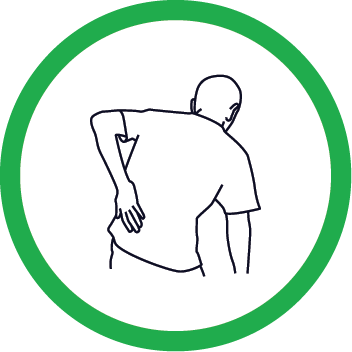
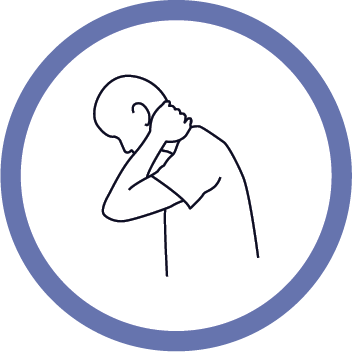
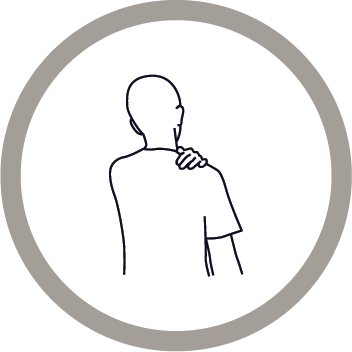
Musculoskeletal injuries (MSIs) are the most common type of work-related injury in British Columbia. Workplace factors such as the use of force, repetitive movements, and poor posture can lead to MSIs. This includes sprains, strains, inflammation, and conditions such as tendonitis, bursitis, and carpal tunnel syndrome.
Injury risks can be found in any workplace. Employers are required to assess, eliminate, or minimize these risks. To help, employers must provide workers with education and training. Ergonomics reduces the risk of MSIs. It does this by making workspaces, tools, and tasks fit the people using them.
Ergonomics
Ergonomics is the process of designing the job to fit the worker to reduce the likelihood and severity of MSIs. Ergonomics includes:
- Job design (e.g., workflow, order of tasks, staff scheduling).
- Tool and equipment selection.
- Proper lighting to reduce eye and neck strain.
- Workspace organization to reduce the risk of slips, trips, and falls (e.g., removing clutter, promptly cleaning up spills).
Did you know?
Complete Ergonomic Risk Assessment
The employer must conduct an ergonomic risk assessment if risk factors for MSIs are present. The assessment helps identify the level of risk associated with workstation tasks and provides recommendations to:
- Improve workstation setup.
- Reduce strain.
- Minimize the risk of musculoskeletal injuries.
- This ergonomic assessment focuses on computer workstations. They are a common source of ergonomic risk in medical clinics.
Review Workstation Reach Zones
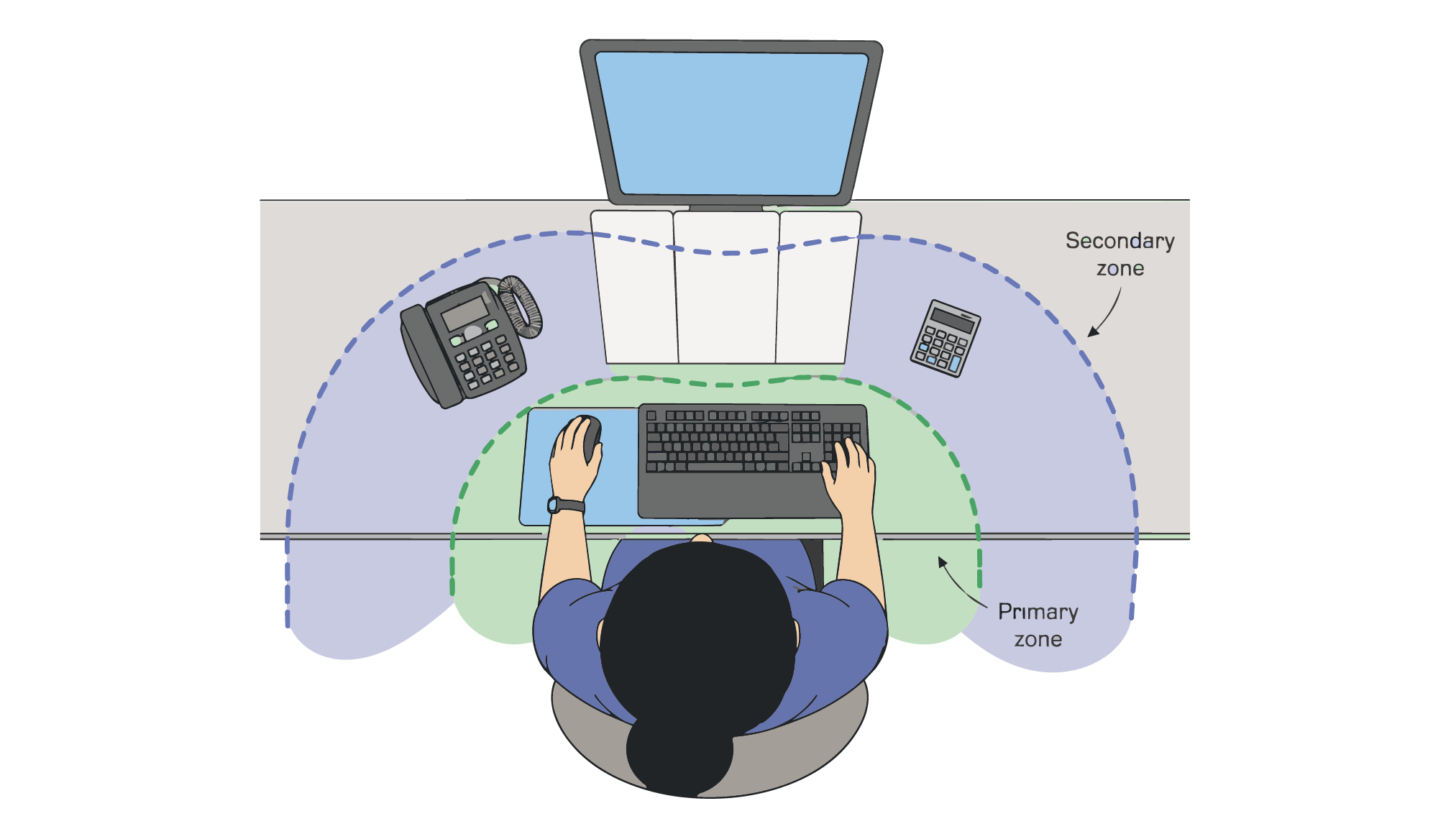
A workstation should be arranged so that:
- The employee does not have to bend their neck into an awkward posture while performing the task. For example, a headset could avoid awkward neck postures during phone calls.
- There is sufficient light to see without squinting.
- Objects are placed into three zones, based on their frequency of use. Frequently used objects (e.g., keyboard, pen) should be within the Primary zone, which is the area reachable by the employee with their arm relaxed. The Secondary zone, which is the area reachable by the employee when they extend their arm, should contain less frequently used items (e.g., reference materials, telephone). Uncommonly used objects (e.g., task lights) are placed in the zone beyond Primary and Secondary.
Computer Workstation Arrangement
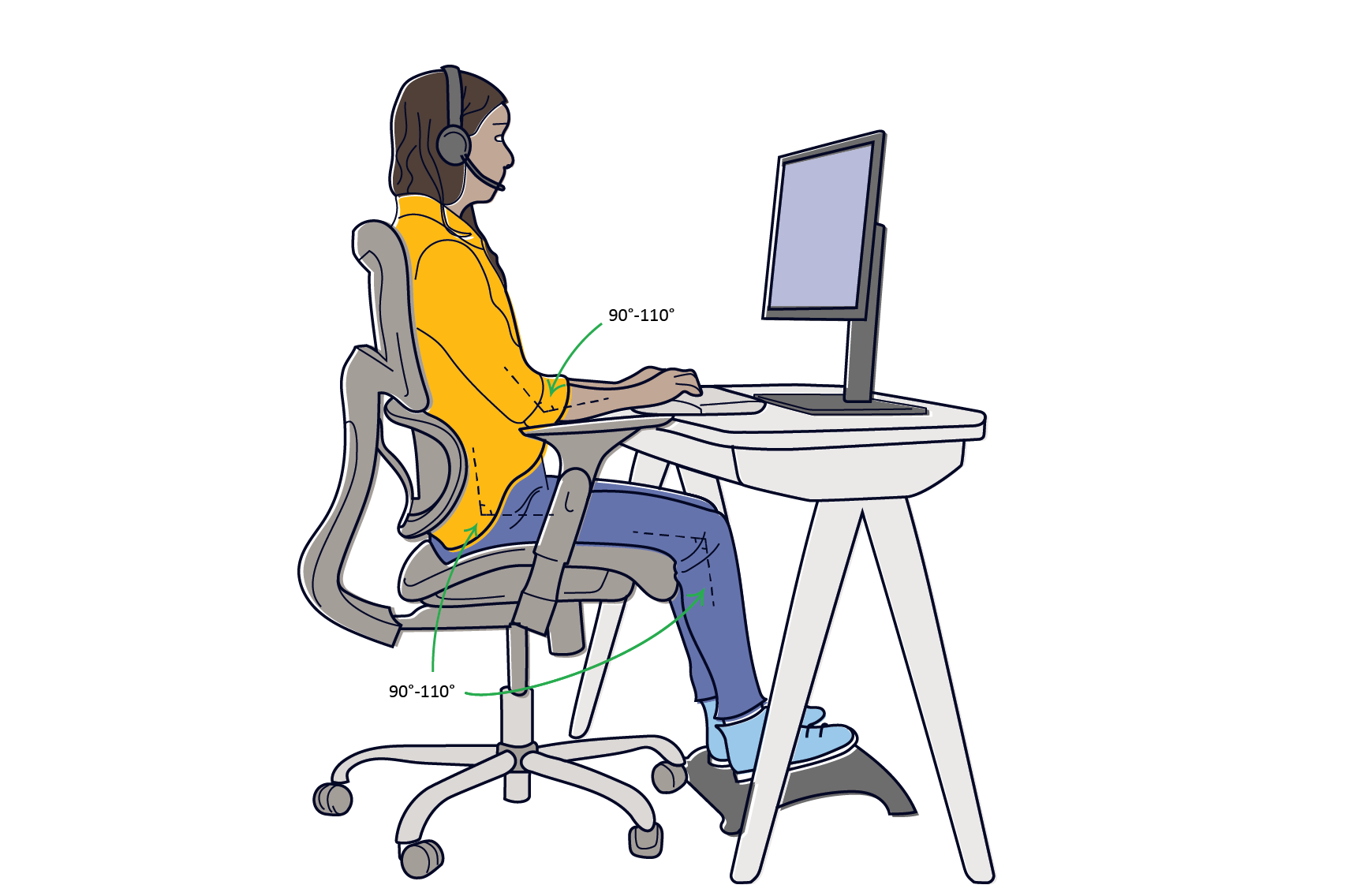
Specifically for computer workstations:
- The computer screen should be positioned directly in front of the user.
- If several screens are present, they should be arranged so that the middle of the two screens is in front of the user.
- The computer screen should be positioned perpendicular (90-degree angle) to sources of light to reduce glare.
- An external keyboard and mouse should be available when using a laptop.
- Documents being transcribed onto the computer should be placed close to or at the same viewing distance as the monitor.
- The brightness and contrast of the screen should be adjusted to provide a comfortable viewing experience for the user.
Review Computer Workstation Ergonomics Rack Card
This rack card is designed to help prevent MSIs among staff who work at computer workstations. We recommend printing and displaying it in a staff area of the clinic for easy reference.
Refer to pages 27-29 of the WorkSafeBC – How to Make Your Workstation Fit You guidebook for a comprehensive computer workstation ergonomics checklist.
Review Worker Education and Training
Employers must ensure workers are trained to:
- Identify MSI risks.
- Recognize symptoms.
- Understand potential health effects.
- Know how to prevent them.
They must also ensure that workers at risk are trained in safe work procedures and the proper use of control measures.
Display Protect Your Body at Work Poster
Lifting and Handling
If possible, use carts to move heavy objects around the clinic instead of lifting or carrying them.
- When lifting heavy objects, hold the object as close to your body as possible.
- Avoid twisting your back while lifting.
- Ask for help.
- Make sure you can see where you are going, and the path is clear.
- Take breaks, especially after long periods of repetitive movements.
Review Safe Work Practice: Mechanical Patient Lifts in Medical Clinics
Patient handling is one of the main factors contributing to MSI among healthcare workers. Mechanical patient lifts are one tool that can be used to reduce this risk. Employers may use the template below to establish safe work procedures for staff who use mechanical patient lifts as part of their practice.